Remote Monitoring for Laundromats
SudsList Editorial · Aug 19, 2026
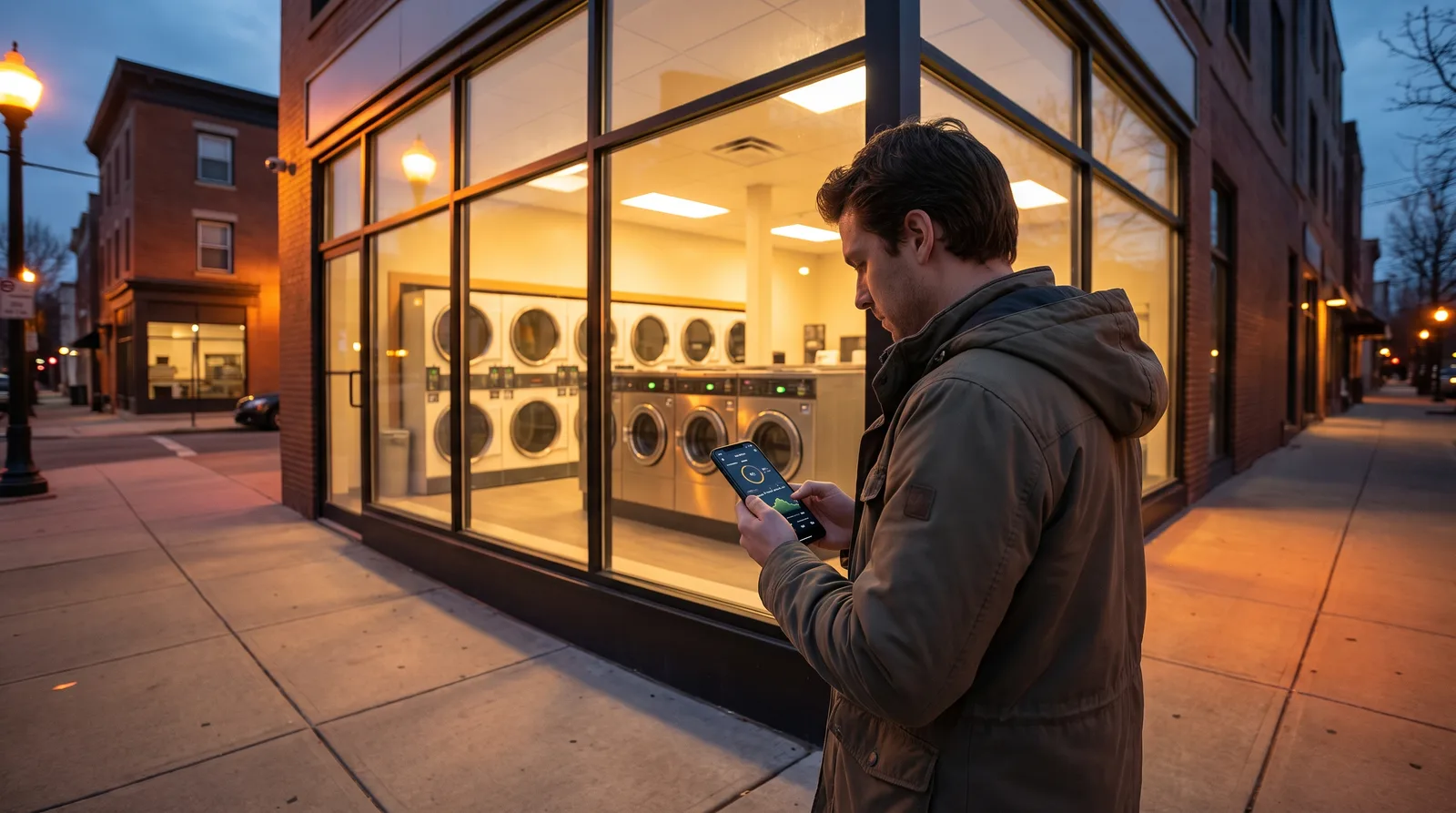
Remote monitoring for a laundromat means watching machine status, cameras, and revenue from your phone instead of standing in the store, and it is what makes low-touch or absentee ownership realistic. The core pieces are networked machine controls that report turns and faults, security cameras with remote viewing, alerting for problems, and a revenue dashboard that shows the day's collections without a drive. You do not need every layer at once. Start with the data that answers your most frequent question (is the store running and earning) and add cameras and alerts from there.
Key takeaways
- Remote monitoring turns three questions (are machines running, is money coming in, is the store safe) into a phone check instead of a store visit.
- Networked machine controls report turns, faults, and out-of-service machines, so you fix problems before customers complain.
- Cameras with remote viewing cut theft and settle disputes, but they monitor the store; they do not run it.
- Revenue dashboards are most useful when they let you reconcile collections against machine turns to catch shrink.
- Buy monitoring for the questions you actually ask daily, not for the full feature list a vendor pitches.
Contents
- What does remote monitoring actually do?
- What can you see about the machines?
- How do cameras fit into remote monitoring?
- What alerts are worth turning on?
- How useful is a revenue dashboard?
- What does remote monitoring cost?
- Do you need monitoring for your store?
What does remote monitoring actually do?
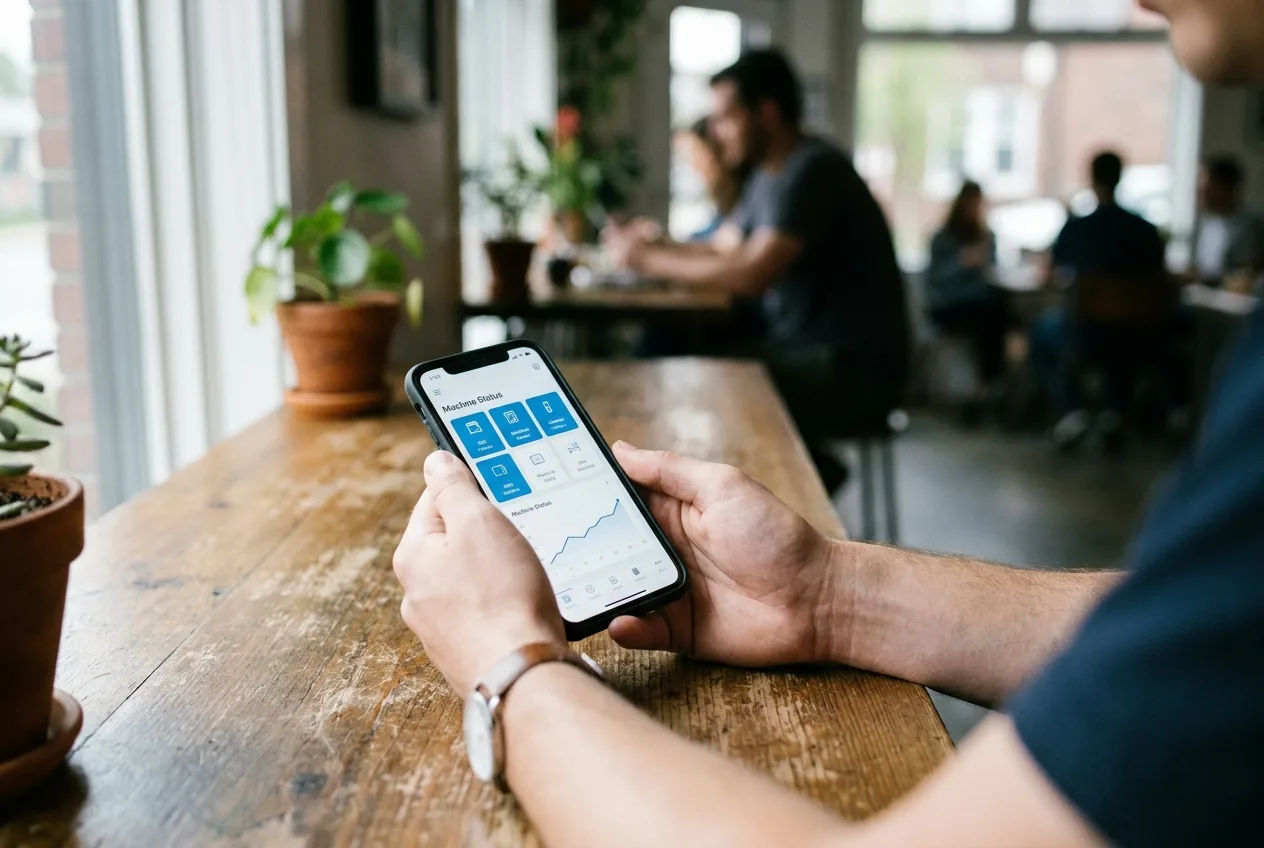
Remote monitoring collapses the reasons you would drive to the store into information you can see from anywhere. In practice that is three questions: are the machines running, is money coming in, and is the store safe and clean. Each has its own layer of hardware and software.
The common layers are:
- Machine networking that reports turns, cycle status, and error codes.
- Cameras with a phone or web app for live and recorded viewing.
- Alerts that push a notification when something needs attention.
- A revenue dashboard that summarizes collections by day, machine, or payment type.
Monitoring does not replace hands in the store. Someone still cleans, restocks, and lets a technician in. What it changes is how often you have to be there yourself, which is the whole premise of running an absentee laundromat.
What can you see about the machines?
Networked machine controls let you see which machines are running, idle, or out of service, and often the error code behind a fault. This is the most operationally useful layer, because an unnoticed dead machine loses turns every day it sits broken.
Depending on the system you may see:
- Real-time status of each washer and dryer.
- Turns per day (TPD), meaning how many wash cycles each machine runs in a day, by unit and by hour.
- Fault and error codes that tell a technician what failed before the visit.
- Utilization patterns that show which sizes and rows earn and which sit idle.
That turn data is also a planning tool. It tells you when to schedule attendants and whether your machine mix matches demand, which feeds directly into how to increase turns per day at a laundromat. Industry resources from the Coin Laundry Association can help you judge whether your utilization is typical for a store your size.
How do cameras fit into remote monitoring?
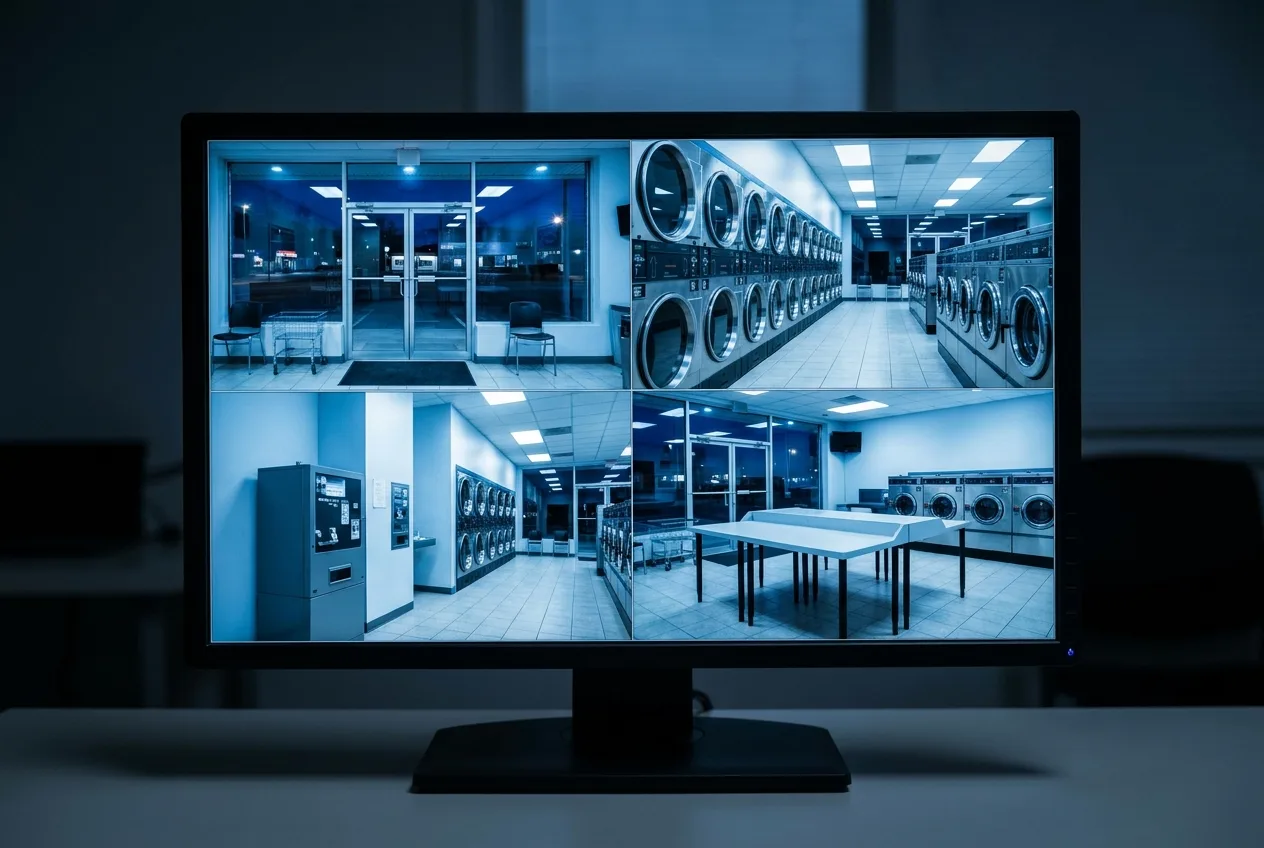
Cameras with remote viewing let you watch the store live and pull recorded footage, which deters theft and settles customer disputes over lost items or machine faults. They are a safety and evidence layer, not a management layer.
A workable camera setup covers the entrances, the machine rows, the change and payment area, and any back room, with enough recording retention to review an incident days later. Signage that cameras are in use adds deterrence on its own. For the full design, see laundromat security cameras and loss prevention.
Be honest about what cameras do not do. They record a break-in; they do not prevent one. Pair them with good lighting, hardened coin boxes, and sensible hours rather than treating video as your whole security plan.
What alerts are worth turning on?
The alerts worth enabling are the ones that let you act before a customer is affected or money is lost. Too many alerts get ignored, so tune them down to events that need a response.
High-value alerts include:
- A machine going out of service or throwing repeated errors.
- A door or motion event during closed hours.
- A collection or vault reading that falls outside the normal range.
- A network or power outage that takes the store offline.
Skip alerts for normal activity like routine cycle completions. If a notification does not change what you do, it is noise. The goal is a quiet phone that speaks up only when the store needs you.
How useful is a revenue dashboard?
A revenue dashboard is most valuable when it lets you reconcile what the machines report against what you actually collect, which is how you catch skimming and undercounted cash. Seeing a daily total is nice; comparing that total to machine turns is what protects you.
Use the dashboard to:
- Track collections by day and by payment type (coin, card, or app).
- Compare reported turns to cash and card deposits for shrink.
- Watch revenue trends after a price change or promotion.
- Feed real numbers into the laundromat cash flow calculator instead of estimates.
Card and app systems make this easier because every transaction is logged, one reason many owners weigh a coin-to-card conversion alongside monitoring. Dashboards also overlap heavily with laundromat management software, so check whether one system already covers both before buying two.
What does remote monitoring cost?
Remote monitoring costs come in two parts: upfront hardware and recurring software or connectivity fees, and both scale with how many layers you add. There is no single price worth quoting because it depends on store size, how many machines you network, and whether you are retrofitting or buying new.
| Layer | Typical cost shape | What you get |
|---|---|---|
| Machine networking | Upfront per machine plus a monthly platform fee | Turn data, status, fault codes |
| Cameras | Upfront hardware plus storage or cloud fee | Live view, recorded footage |
| Alerts | Usually bundled with the platform | Push notifications for key events |
| Revenue dashboard | Bundled with payment or management system | Collections and reconciliation |
Networking is often bundled when you install a card or app payment system, so factor that in rather than pricing it standalone. Some platforms also track utility consumption, which pairs well with the commercial-laundry efficiency guidance from Energy Star when you are hunting for cost to cut. Run the recurring fees through your cash flow model and judge each layer against the store visits or losses it actually prevents.
Do you need monitoring for your store?
Whether you need monitoring depends on how far you are from the store and how much you want to run it hands-off. An owner-operator in the store daily needs far less than someone managing at a distance or holding several locations.
A reasonable order to add layers:
- Start with cameras if security or disputes are the pressing problem.
- Add machine networking when you want turn data and faster fault response.
- Layer in a revenue dashboard when reconciliation or absentee ownership is the goal.
Buy for the question you keep asking, not for the vendor's full menu. If you are in the store every day and cash reconciles cleanly, an expensive dashboard may add cost without changing a single decision.
Frequently asked questions
Can I really run a laundromat from my phone?
You can monitor it from your phone, but you cannot fully run it that way. Machine status, cameras, alerts, and revenue dashboards let you see whether the store is running, earning, and safe from anywhere. Cleaning, restocking, cash pickup, and repairs still need someone physically present, so monitoring reduces your store visits rather than eliminating hands entirely.
Does remote monitoring require converting to card or app payments?
Not entirely, but card and app systems make monitoring far easier because every transaction is logged automatically. Machine networking can be added to many coin stores as a retrofit, though the data is richer when payments are electronic. Many owners find the monitoring and reconciliation benefits are a reason to weigh a coin-to-card conversion at the same time.
What is the most useful part of remote monitoring for a single store?
For most single-store owners, machine status and turn data deliver the most day-to-day value because an unnoticed broken machine quietly loses turns. Seeing faults and out-of-service units lets you dispatch a technician before customers complain. Cameras and revenue dashboards add security and financial control on top of that operational core.
Will cameras stop theft at my laundromat?
Cameras deter theft and provide evidence, but they do not physically prevent a break-in or coin-box attack. Treat them as one layer alongside strong lighting, hardened coin boxes, sensible hours, and clear signage that recording is in use. Video is most valuable for settling disputes and supporting insurance or police reports after an incident.
How much does laundromat remote monitoring cost?
Cost splits into upfront hardware and recurring software or connectivity fees, and it scales with how many layers you add and how many machines you network. There is no single national price because store size and retrofit versus new equipment change it substantially. Judge each recurring fee against the store visits or losses it prevents, and run the numbers through your cash flow model.